Introduction
When selecting an LED screen, one of the most important specifications you’ll encounter is pixel pitch — the measurement that defines how sharp and detailed an image will appear. Pixel pitch affects image quality, resolution, viewing distance, and cost.
It’s also the spec most first-time buyers get wrong. They usually assume finer is always better, then get surprised by the price jump for resolution nobody standing 10 meters away will ever notice. Here’s how to actually match pixel pitch to your project, from billboards down to boardroom walls.
1. What Is Pixel Pitch?
Pixel pitch is simply the space between LEDs on a screen. The smaller the number, the sharper the picture.
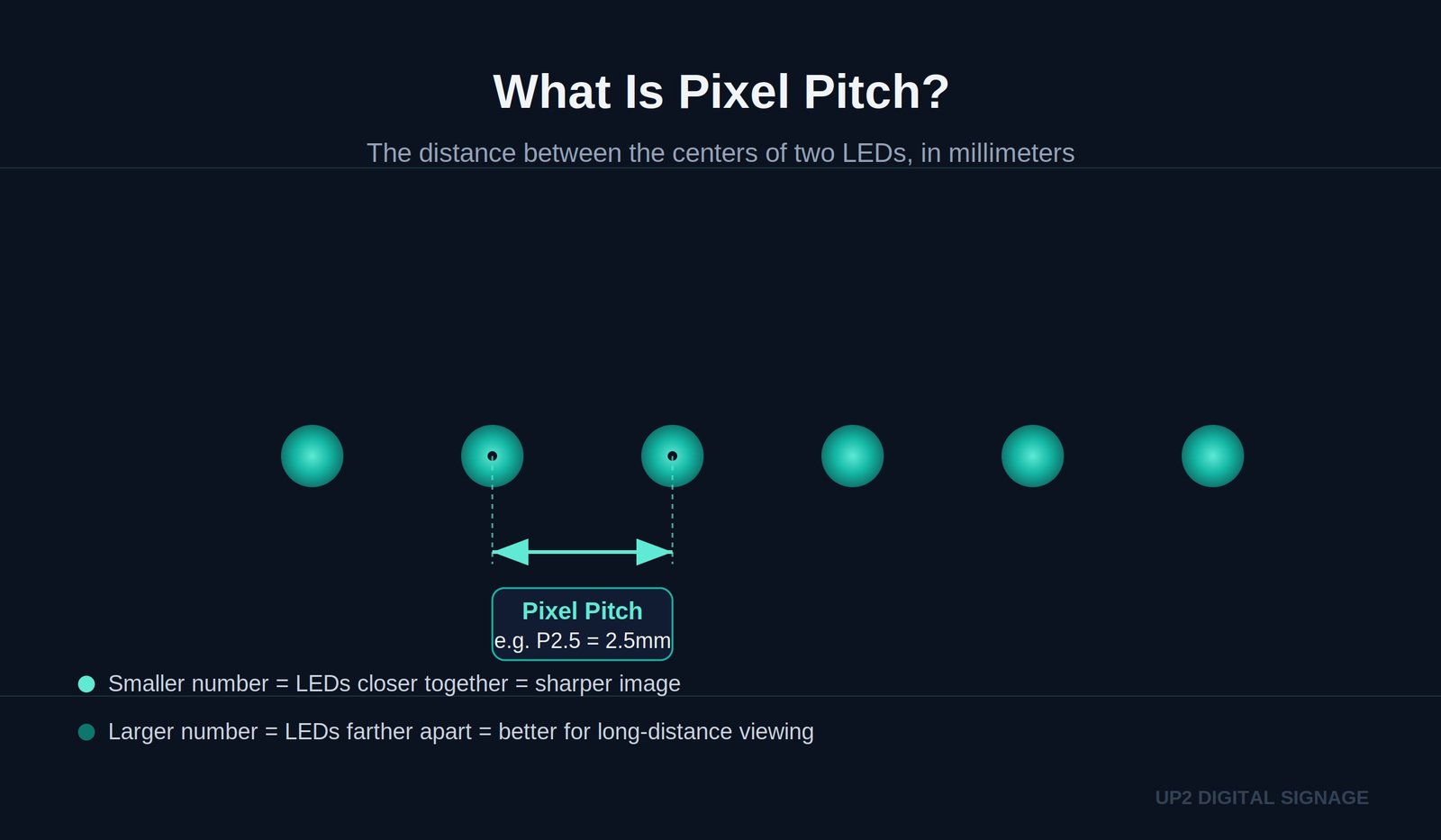
Pixel pitch is the distance (in millimeters) between the centers of two adjacent pixels on an LED module.
- A P2.5 screen has 2.5 mm spacing between pixels.
- A P10 screen has 10 mm spacing between pixels.
The smaller the pitch, the closer the LEDs — resulting in higher pixel density and a sharper image. Larger pixel pitches are better suited for large screens viewed from a distance, where extreme resolution isn’t required.
Pixel Pitch vs PPI — What’s the Difference?
Pixel pitch and PPI (pixels per inch) both describe sharpness, but they’re used for different screens.
- Pixel pitch is used for LED video walls. It measures the physical gap between LEDs, in millimeters. Smaller number = sharper screen.
- PPI is used for phones, TVs, and monitors. It measures how many pixels fit in one inch. Bigger number = sharper screen.
They both measure image sharpness, but in opposite directions and different units, so they can’t be directly compared. A phone might have 400+ PPI, while an LED wall might have a pixel pitch of P2.5mm — these numbers aren’t on the same scale, and that’s normal.
Simple rule: If you’re buying an LED screen, ignore PPI — just look at pixel pitch and viewing distance.
2. How Pixel Pitch Affects Image Quality
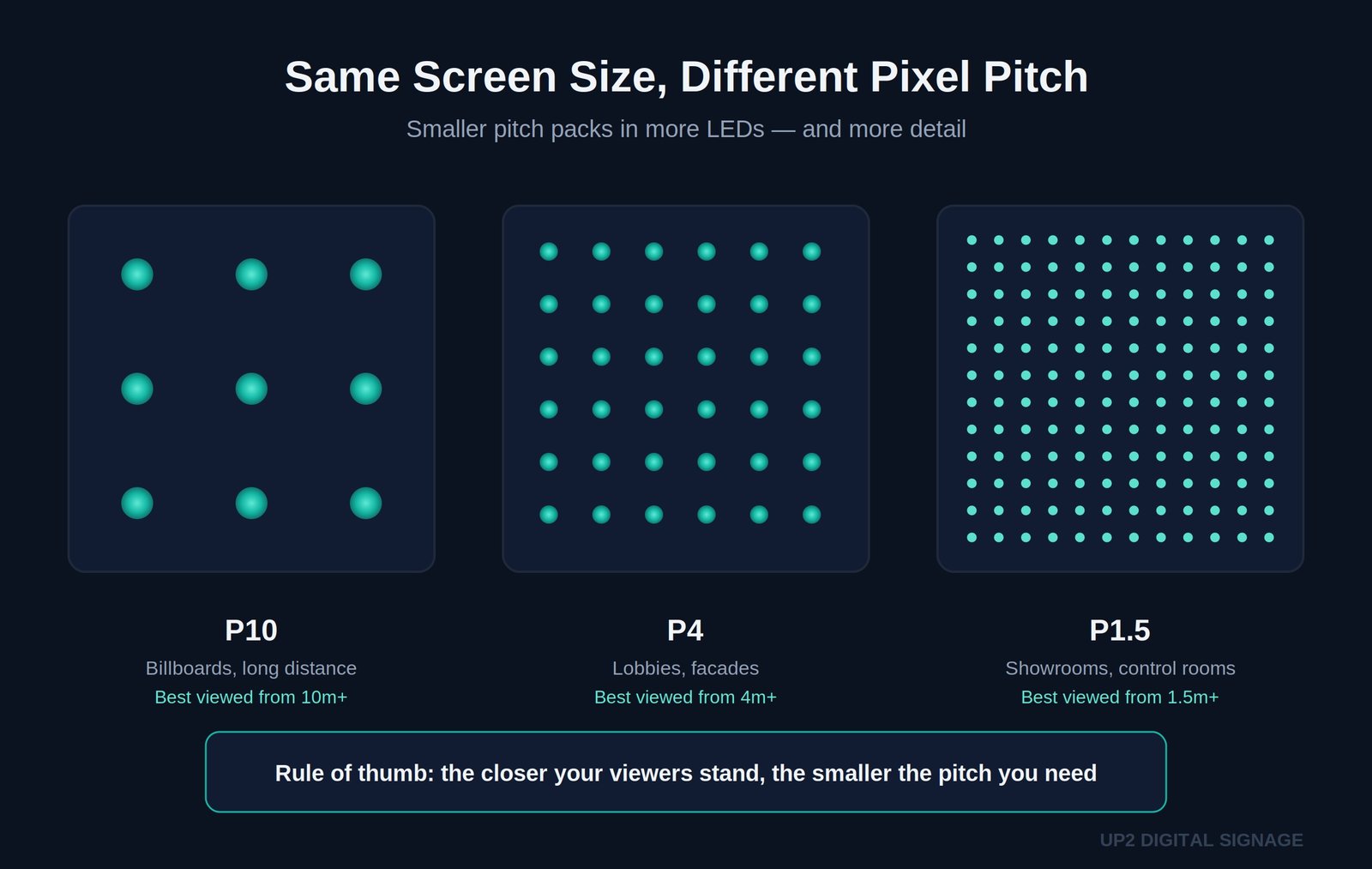
Pixel pitch determines how many LEDs fit in one square meter, which directly affects resolution. Smaller pitches contain more pixels and deliver finer detail and smoother gradients.
| Pixel Pitch | Approx. Image Quality | Typical Applications |
|---|---|---|
| P0.4 – P1.1 | Ultra-fine resolution (MicroLED / COB) | Studios, cinemas, boardrooms, control centers |
| P1.2 – P1.8 | Very high clarity | High-end indoor displays and showrooms |
| P2.0 – P2.9 | High definition | Retail, exhibitions, commercial interiors |
| P3.0 – P4.9 | Balanced clarity | Lobbies, semi-outdoor spaces |
| P5.0 – P8.0 | Medium resolution | Outdoor façades and signage |
| P10+ | Coarse resolution | Billboards, unipoles, long-distance viewers |
3. Understanding Resolution and Pixel Density
Unlike televisions, LED displays are modular. Their resolution depends on pixel pitch and physical size rather than a fixed format like 1080p or 4K.
Resolution is the number of pixels across the screen (width × height). Pixel density is how many pixels exist in one square meter. A smaller pitch greatly increases both metrics.
| Pixel Pitch | Approx. Pixels / m² | Image Detail |
|---|---|---|
| P0.9 | ~1,230,000 | Ultra-fine; close-view MicroLED |
| P1.5 | ~440,000 | Very high; premium indoor |
| P2.5 | ~160,000 | High; standard indoor retail |
| P4 | ~62,500 | Medium; mixed-use |
| P6 | ~27,000 | Coarse; outdoor signage |
Example — 5 m × 3 m Display
| Pixel Pitch | Approx. Resolution (W × H) | Total Pixels |
|---|---|---|
| P0.9 | 5555 × 3333 | 18.5 million |
| P1.5 | 3333 × 2000 | 6.6 million |
| P2.5 | 2000 × 1200 | 2.4 million |
| P4 | 1250 × 750 | 937,000 |
| P10 | 500 × 300 | 150,000 |
4. Pixel Pitch and Viewing Distance
Each pixel pitch corresponds to an optimal viewing distance: the point where the image appears perfectly blended. If viewers stand closer than this distance, pixels may become visible.
| Pixel Pitch | Recommended Viewing Distance | Environment |
|---|---|---|
| P0.4 – P0.9 | 0.5 – 1 m | MicroLED / fine-pixel indoor |
| P1.2 – P1.8 | 1 – 2 m | Indoor, short-range viewing |
| P2.5 – P3.9 | 2.5 – 4 m | Retail, lobby, exhibition |
| P4 – P6 | 4 – 8 m | Semi-outdoor or façades |
| P8 – P10+ | 8 – 15 m+ | Billboards and unipoles |
How to Calculate Pixel Pitch
You don’t need to calculate this yourself (UP2 will confirm the right pitch for your project), but here’s the simple version:
Formula: Pixel Pitch (mm) = distance between two LED centers, measured in millimeters
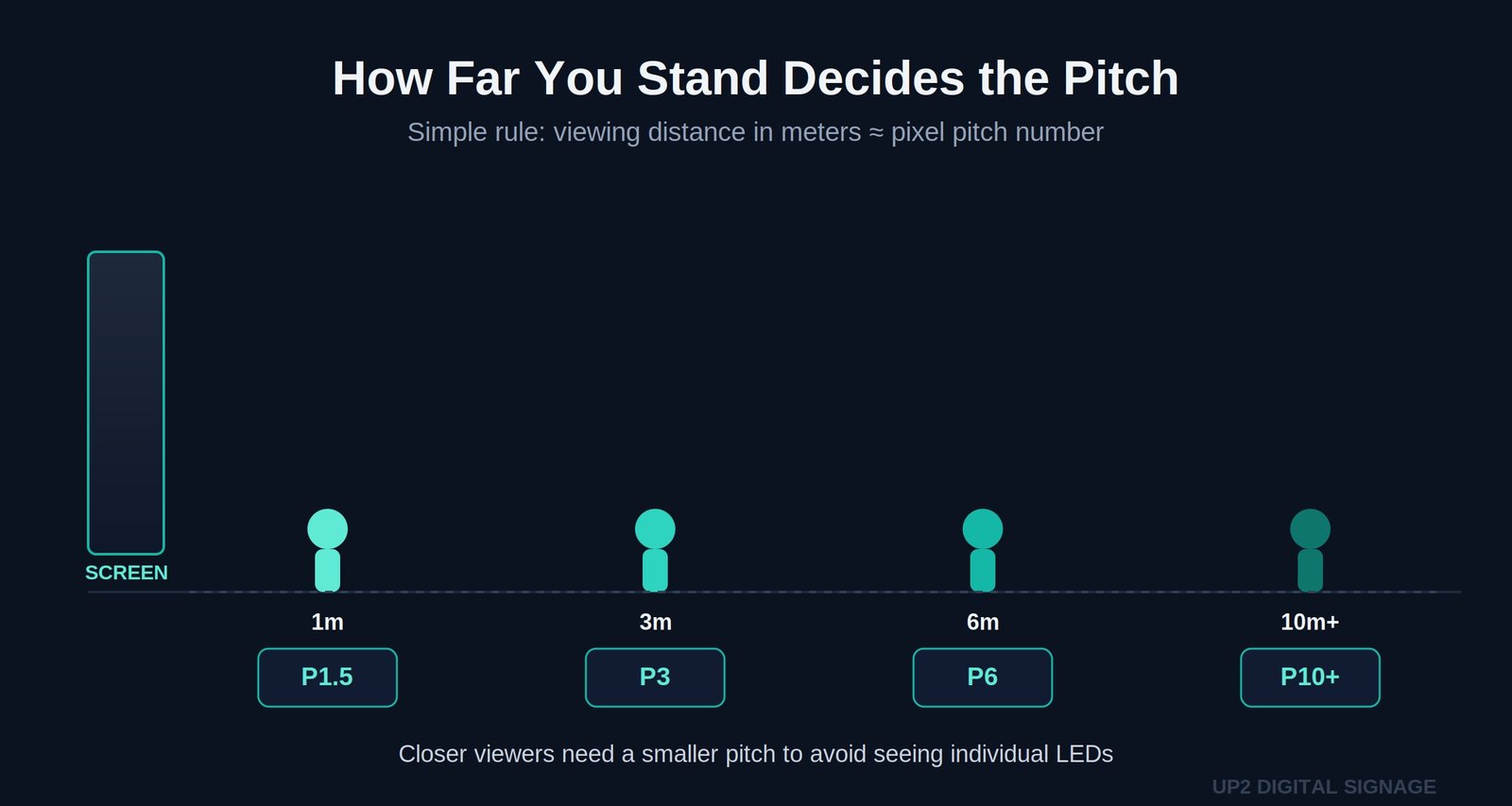
Easy way to estimate what pitch you need: Minimum viewing distance (in meters) ≈ Pixel Pitch × 1
Example: If people will stand 3 meters away from the screen, you need roughly a P3 pixel pitch or smaller. Standing closer than that, the picture may look slightly grainy. Standing further away, a bigger pitch works fine and costs less.
Quick reference:
- Viewing from 1m or less → P1.5 or smaller
- Viewing from 3m → P3
- Viewing from 6m → P6
- Viewing from 10m+ → P10
5. Indoor vs. Outdoor LED Screens
- Indoor LEDs use smaller pixel pitches (P0.9 – P3) for high resolution in close environments. They prioritize contrast, color accuracy, and seamless assembly.
- Outdoor LEDs use larger pitches (P4 – P10+) designed for long viewing distances, high brightness (6,000–8,000 nits), and weather resistance.
6. Fine-Pixel and MicroLED Displays
Fine-pixel LED (or narrow-pitch LED) refers to any display below P2 mm. The newest generation — COB (Chip-on-Board) and IMD (Integrated Matrix Device) — has pushed limits down to P0.9, P0.6, and P0.4 mm, often categorized as MicroLED.
Key Characteristics
- Uniform surface: No visible module lines; a continuous, even picture.
- High contrast & HDR capability: Ideal for broadcast and cinematic content.
- Fine calibration: Color consistency across millions of sub-pixels.
- Brightness: Typically 600–1,200 nits — optimized for controlled indoor environments.
- Durability: Up to 100,000 hours with precise thermal control.
| Pixel Pitch Range | Technology | Typical Use |
|---|---|---|
| P1.2 – P2.0 | SMD Fine-Pitch | Retail, auditoriums, control rooms |
| P0.9 – P0.6 | COB / IMD | Boardrooms, broadcast studios |
| P0.4 | MicroLED | Ultra-premium home cinema or prototype walls |
7. Pixel Pitch and Technical Impact
Pixel pitch influences power consumption, controller load, and maintenance complexity.
| Pitch Range | LEDs / m² (approx.) | Relative Power Use |
|---|---|---|
| P0.4 – P1.0 | 1,000,000+ | Very High |
| P1.2 – P1.8 | 250,000 – 600,000 | High |
| P2.0 – P3.9 | 130,000 – 250,000 | Medium |
| P4.0 – P8.0 | 40,000 – 130,000 | Low – Medium |
| P10+ | 10,000 – 40,000 | Low |
8. Choosing the Right Pixel Pitch
The right pixel pitch depends on one thing mainly: how close people will stand to the screen.
There is no single “best” pixel pitch. The right choice depends on your project’s requirements:
- Viewing Distance – How close the audience will stand.
- Installation Type – Indoor, semi-outdoor, or outdoor.
- Displayed Content – Detail level, color accuracy, or animation.
- Power and Budget Constraints – Finer pitch means higher investment and load.
9. Quick Reference Chart
| Installation Type | Recommended Pixel Pitch | Notes |
|---|---|---|
| Indoor retail / lobby | P2.5 – P3.9 | Standard clarity for mid-range viewing |
| Control room / cinema | P0.9 – P1.5 | Fine-pitch LED for high precision |
| Broadcast / studio | P0.6 – P0.9 | COB / MicroLED for HDR and color uniformity |
| Outdoor façade | P4 – P6 | High brightness, wide viewing angle |
| Unipole / billboard | P8 – P10+ | Long-range visibility, economical |
| 3D corner LED | P4 | Smooth perspective blending |
Frequently Asked Questions
What is pixel pitch?
The distance between LEDs on a screen, measured in millimeters. Smaller = sharper.
What’s the difference between pixel pitch and PPI?
Pixel pitch is for LED walls (smaller = sharper). PPI is for phones and TVs (bigger = sharper). They’re different units and not directly comparable.
What pixel pitch should I choose?
It depends on viewing distance. As a simple rule: viewing distance in meters ≈ pixel pitch number. Standing 5m away → P5 works well.
What is a good pixel pitch?
There’s no universal “good” pitch — it depends on the project. For most retail and lobby screens, P2.5–P3.9 is the sweet spot of clarity and cost.
How do I calculate pixel pitch?
You don’t calculate it from scratch — you match it to your viewing distance. Divide your expected viewing distance (in meters) by 1 to get the recommended pitch number.
Conclusion
The short version: match the pitch to how close people actually stand, not to whatever number sounds most impressive on a spec sheet. Smaller pitches earn their cost at close range; beyond a few meters, that extra resolution is money spent on detail nobody sees.
With the arrival of MicroLED and sub-millimeter COB technology, pixel pitch now reaches P0.4 mm — offering resolutions once impossible on modular displays. Selecting the correct pitch ensures every installation meets its visual, technical, and commercial objectives.
UP2 evaluates each project individually — balancing clarity, performance, and sustainability to deliver the best LED experience for every application.
Contact UP2 for expert advice on choosing the right pixel pitch for your project.
Related Products
Related Products
Related Products
Related Products
Related Products
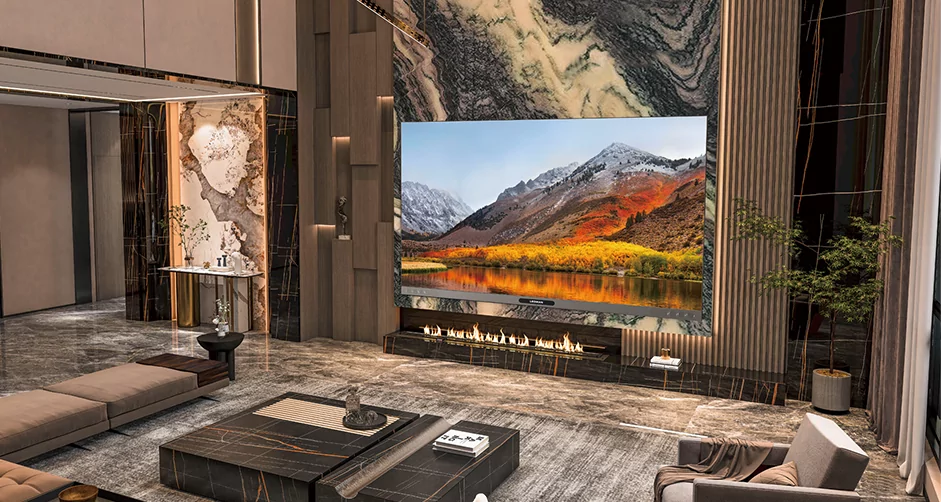
Home Cinema
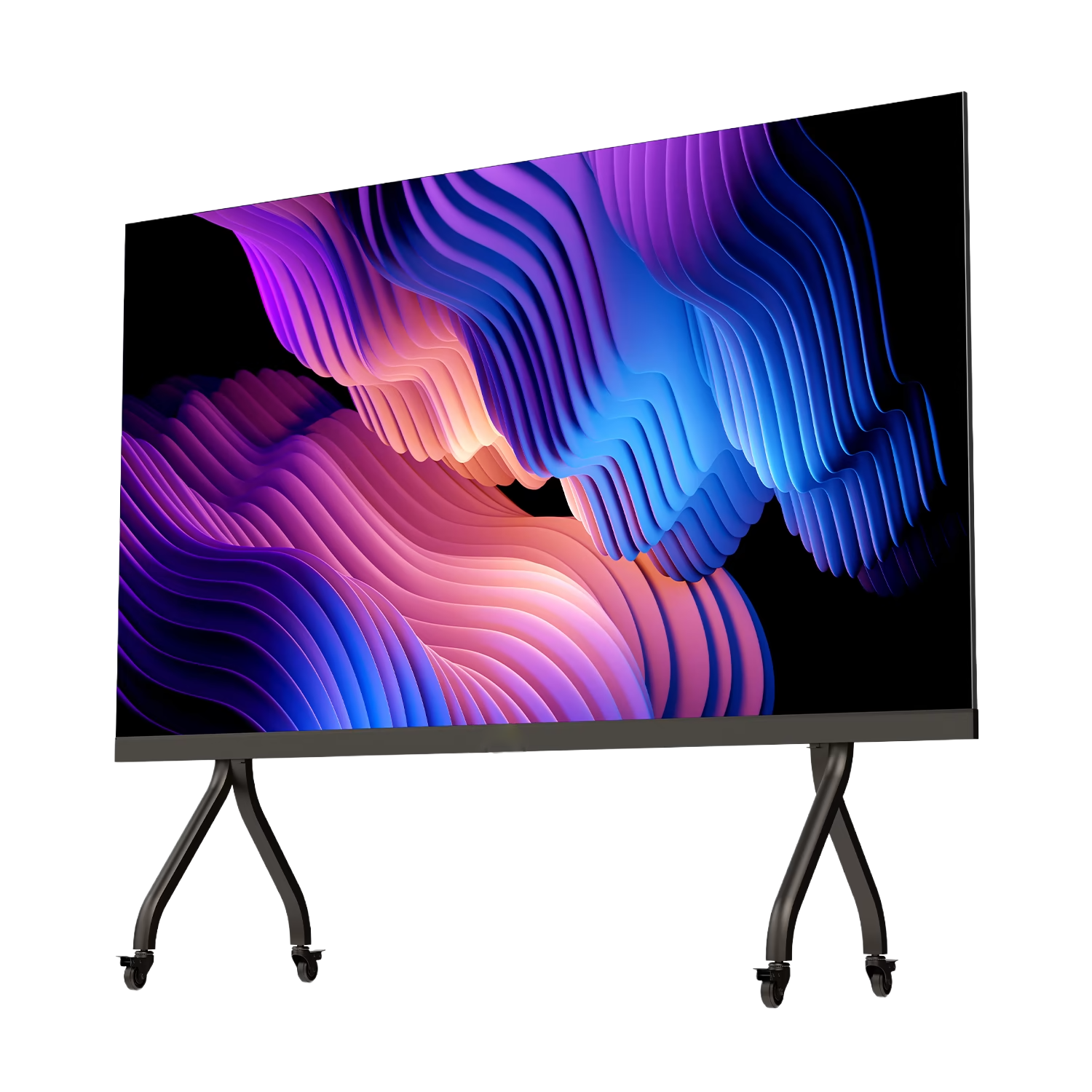
All-in-One LED Display
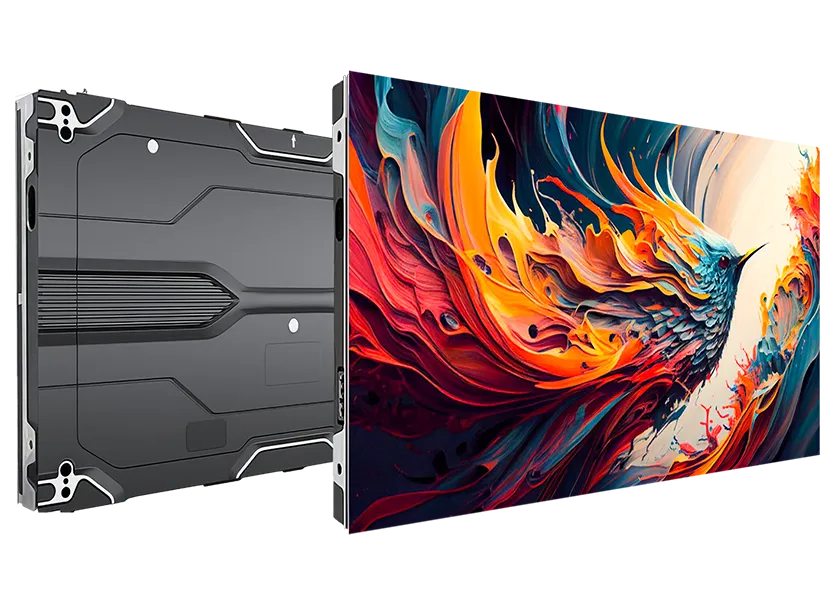
Ultra Fine COB LED
SMART LED POSTER
Holographic LED Screen
Indoor Rental
One Comment